Article: Overhead vs floor-side vs radar: which launch monitor fits your room?
Overhead vs floor-side vs radar: which launch monitor fits your room?
Most launch monitor buying guides lead with brand. That's backwards. Brand is the last decision — the first is sensor family, because the family decides whether the unit will work in your room at all.
Three families exist. Here's what each is good at, and the rooms each one fails in.
Overhead photometric
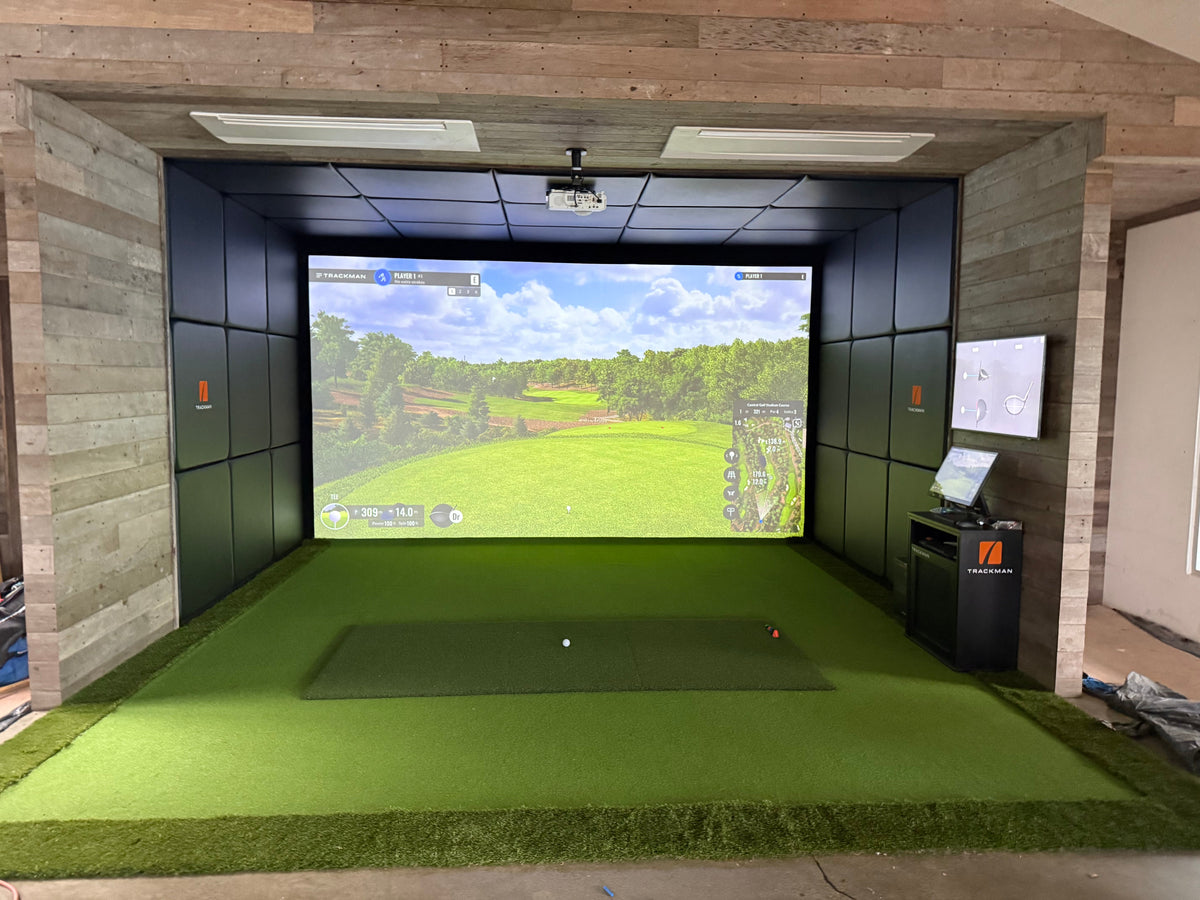
How it works: one or more cameras mounted above the hitting zone look down at the ball at impact. Spin and launch are measured via marker-free imaging.
Loves:
- Both-handed bays — the ball position doesn't matter to a camera looking straight down
- Short rooms — no depth requirement behind the player, because the sensor is above the ball
- Permanent installs — once calibrated, nothing moves
- Clean aesthetics — no sensor cluttering the hitting zone
Needs:
- Ceiling clear of ductwork or beams in the sensor's line of sight
- Minimum ceiling ~2.9m — the sensor sits above the swing arc
- Permanent mounting — these aren't portable units
Watch out for: if your ceiling has a feature light or exposed beam right over where the ball sits, the sensor won't mount where it needs to. We check this before we specify.
Floor-side photometric
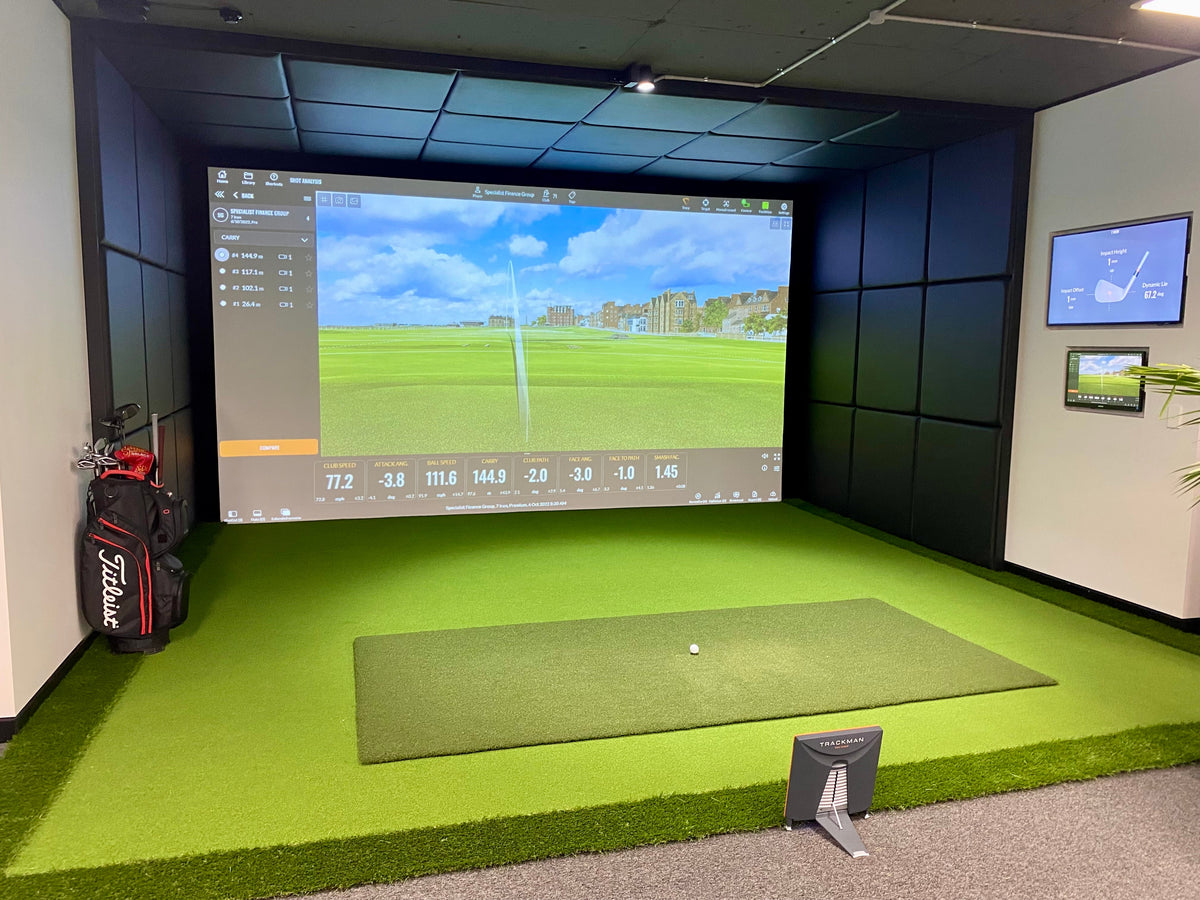
How it works: a free-standing unit sits beside the ball at tee height and reads impact with cameras pointed at the ball from the side.
Loves:
- Portable use — pick it up, take it to the range, bring it back
- Lower ceilings — the sensor isn't suspended anywhere
- Garage installs where the ceiling is a problem for overhead units
- Buyers who want to use the sensor in multiple places
Needs:
- Clear sightline from the ball to the screen — nothing in the way
- Space to the side of the hitting zone for the sensor itself
- A conversation with yourself about handedness — a right-handed sensor on a left-handed shot sees the back of the ball instead of the front; you reposition
Watch out for: some floor-side units require marker balls or dot stickers. If you want to play with any ball (your range ball, a kid's practice ball, a borrowed one from a mate), that's a factor. Check before you commit.
Radar / Doppler
How it works: microwave radar behind the hitting line tracks the ball through its flight, measuring velocity and trajectory directly.
Loves:
- Outdoor use — a radar unit on a driving range sees the full flight to the back fence
- Long rooms (8m+) where the ball has time to fly before the screen
- Full ball-flight simulation — measured, not inferred
- Both-handed bays
Needs:
- Depth. Lots of it. Minimum 5–6m total, 8m+ ideal
- Room behind the hitting zone for the unit (adds another 50–80cm to minimum depth)
- A clean floor between player and screen (no mats, chairs or clutter)
Watch out for: Australian garage ceilings often rule radar out — not because of the ceiling, but because the room is too short. In a 5m-deep garage, a radar unit can see the ball but has very little flight time to work with. Short wedge shots are the weak spot.
How we actually choose for you
We work this backwards from your room, not forwards from a brand catalogue.
- Measure the room. Ceiling, depth, width, feature constraints.
- Shortlist the sensor family. Short room = photometric. Long room with high ceiling = any family. Tight garage = overhead or floor-side.
- Match software platform. What course libraries, what multiplayer options, what data views matter to you.
- Pick the tier. Entry, mid, premium or commercial — matched to how you'll actually use the room, not to spec-sheet envy.
- Confirm the brand. By the time we get here, the market has usually narrowed to one or two units that fit all four prior constraints.
This is why we don't publish a locked list of "supported" launch monitors — the market shifts too fast, and the right unit depends on your room before anything else.
Where to go next
If you've got rough room dimensions, send them through our free room assessment and we'll come back with the two or three monitors that genuinely fit — including the one we'd talk you out of.
More context on the four tiers (Entry / Mid / Premium / Commercial) and what each actually buys you: the launch monitor guide. If you're already thinking about the room itself, how much space you need is the first conversation.